Free · No sign-up · Runs in your browser

Design your dream home, then hand the drawings to your mason.

Place walls, rooms, stairs and porticos on a 2D plan with exact dimensions. Watch the house build itself in 3D, walk through it, and export an engineer-standard PDF drawing set.

2D plan + live 3DKerala architecturePDF drawing set
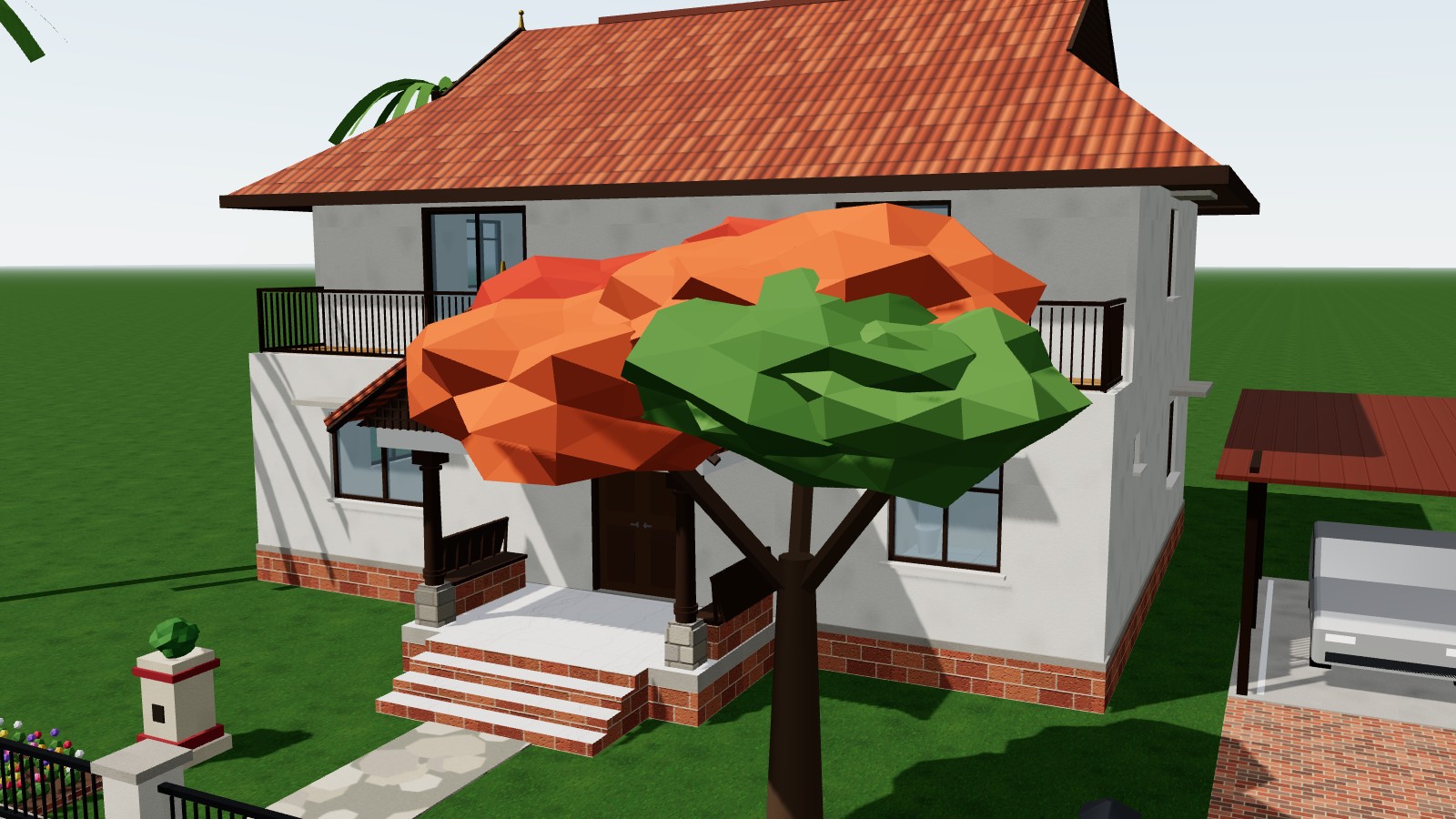
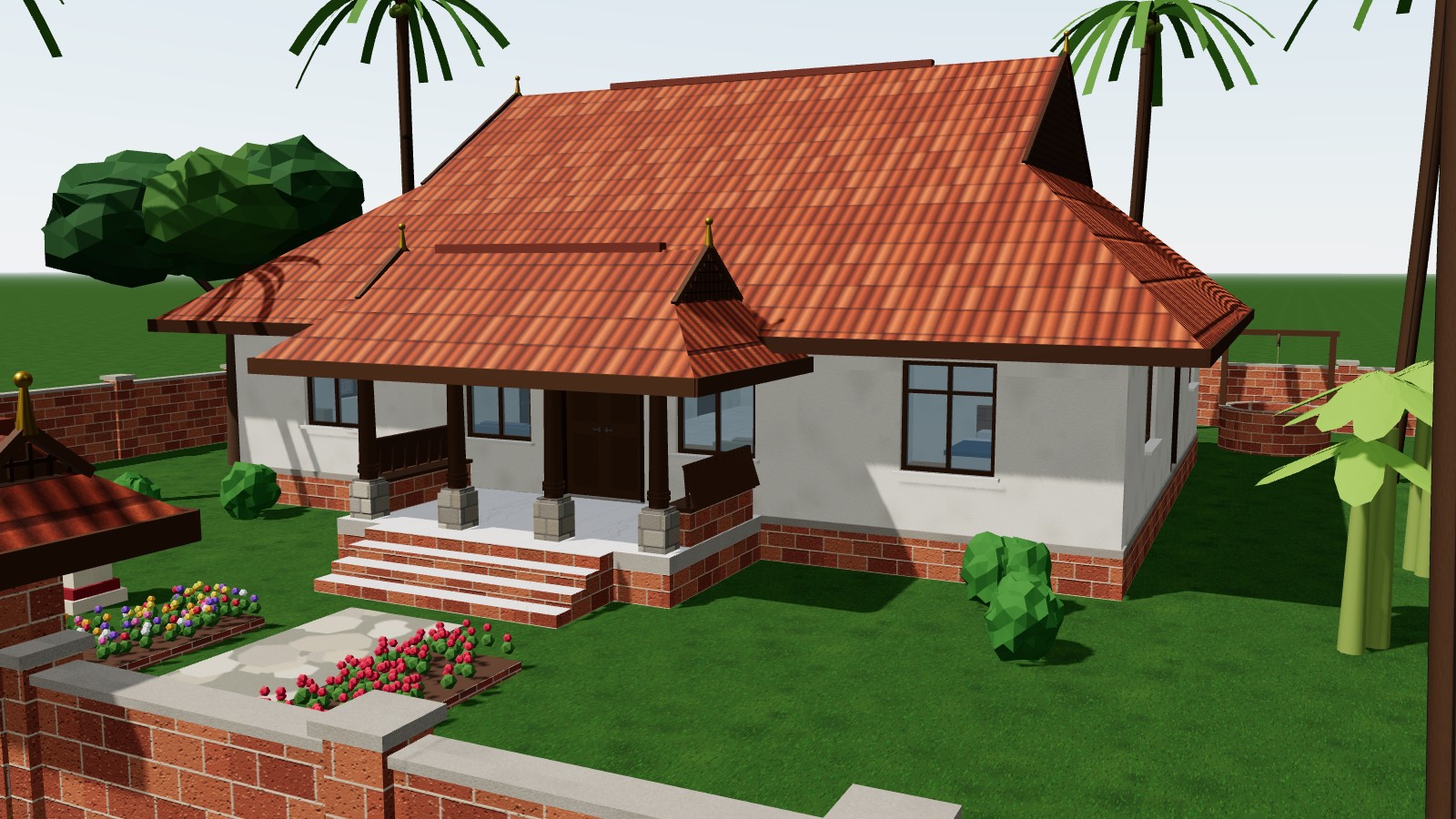
3D view of a Kerala traditional house with a clay-tiled roof, sit-out and coconut palms, designed in HomeCraft
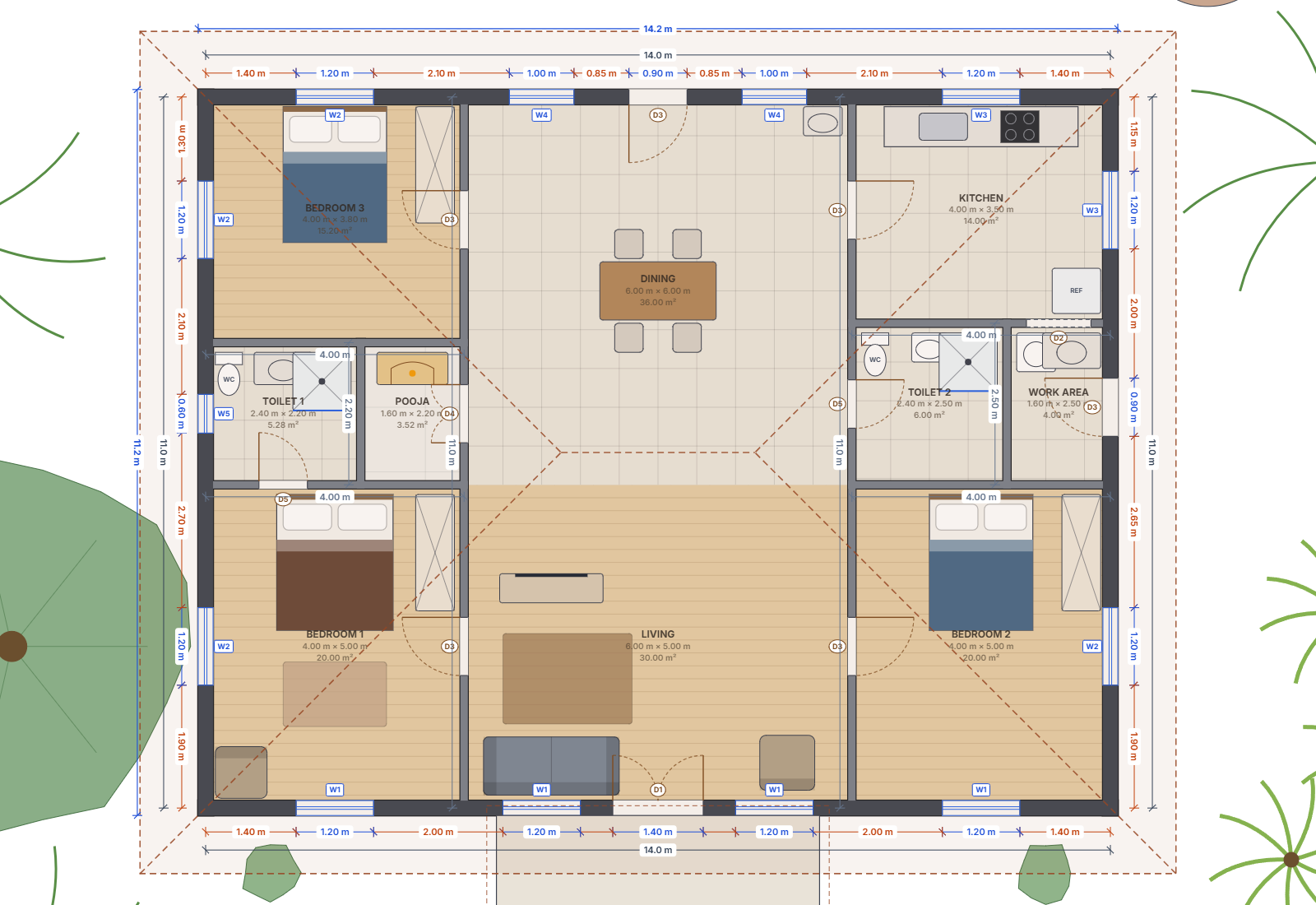
Dimensioned 2D floor plan of the same house

From idea to drawings in three steps

You don't need CAD experience. If you can drag and drop, you can plan a house.

Pick or draw

Start from a ready-made design, or click a furnished room and drop it on the plan. Walls, door and fittings come with it.

Shape it exactly

Drag any wall or corner, or double-click a dimension and type the value. Lock the sizes that must not change.

Walk it and export

Walk through the house in 3D, then download a PDF set with plans, elevations, setting-out, schedules and quantities.

Everything an architect would reach for

A full kit of elements, from the boundary wall to the pooja room.

📐

Real dimensions

Metres, cm, mm or feet. Dimension chains, locks, and centre-line, outside or clear measuring.

🏠

Live 3D view

Textured walls, roofs and sunlight that follows the time of day. Elevations with level markers.

🛕

Kerala architecture

Mukhappu roofs, charupadi sit-outs, padippura gates, laterite walls, tulsi thara and open wells.

🛋

Furnished rooms

Living, dining, kitchen, bedrooms, toilets, pooja room and work area, each with fittings.

🪜

Stairs that adapt

Straight, L, U, winder and spiral. Steps re-flow as you resize, with a riser and tread check.

〰️

Any shape

Curved walls, skewed and custom floors where every side is editable, and a raised plinth.

🌴

Garden & site

Trees, palms, flower beds, swings, gates, compound walls, parking, solar and water tanks.

🧑‍🔧

Engineer mode

Door and window tags, opening chains, schedules and checks for working drawings.
A drawing set your engineer can work from

One click exports an A3 PDF with a title block on every sheet, at standard scales.

  • Cover sheet & drawing index
  • Site plan
  • Floor plans for every storey
  • Setting-out plan for the mason
  • Front, rear and side elevations
  • 3D views
  • Door, window & room schedules
  • Approximate quantities (BOQ)
  • Construction specifications
Floor plan with room sizes, door and window tags and dimension chains

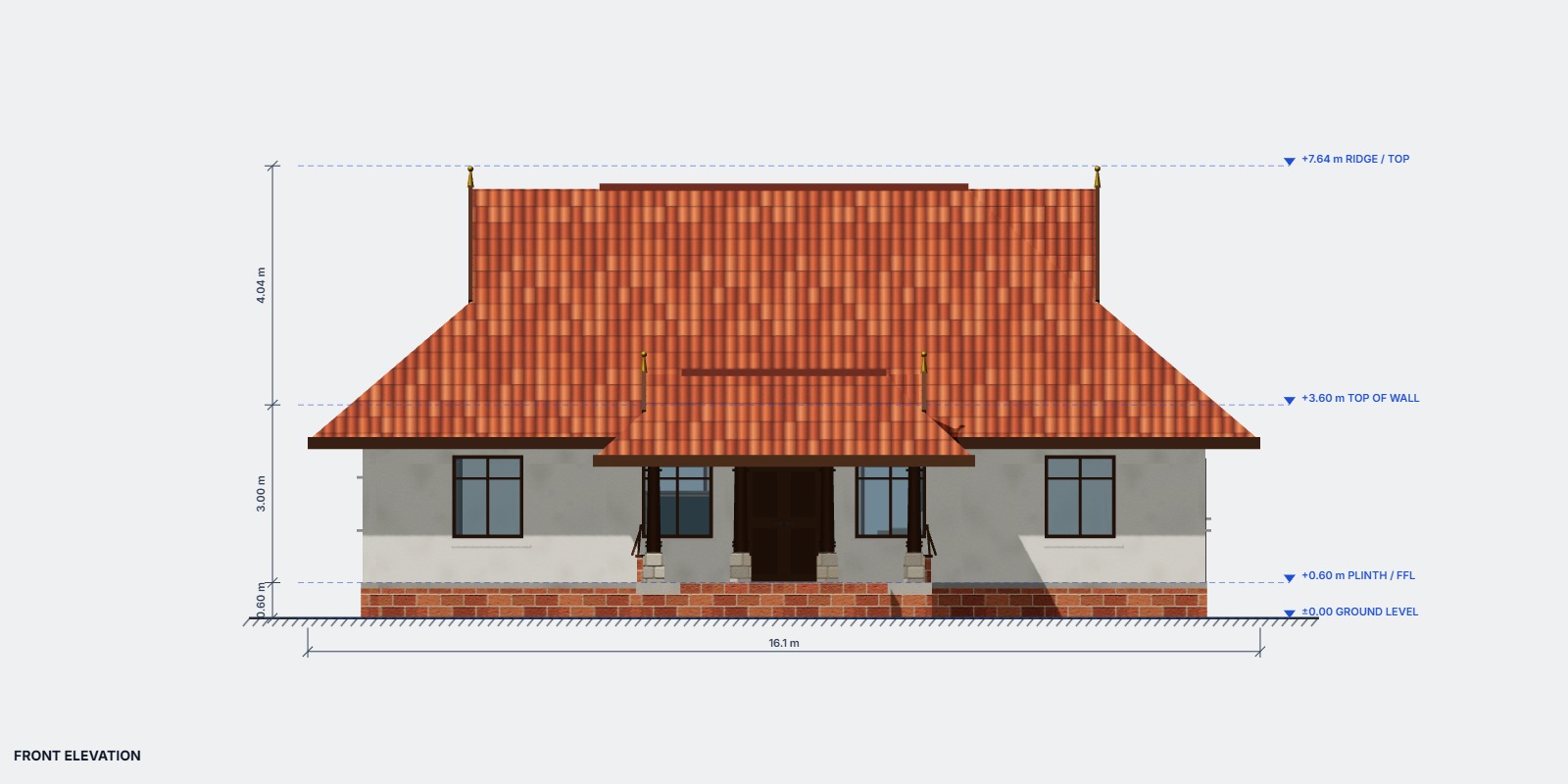
Elevations with real levels

Orthographic front, rear and side views mark ground level, plinth, top of wall and ridge, so heights are clear before work starts.

  • Raise the house on a plinth; the portico gets steps automatically
  • Every elevation goes into the PDF
Front elevation with ground, plinth, wall-top and ridge levels

Walk through it before you build it

Press Spectate and walk your house as a character. It climbs stairs, pushes doors open and is stopped by walls and furniture, so you feel the real space.

  • Third-person or first-person view
  • An automatic guided tour of every room
  • Use your own VRM avatar
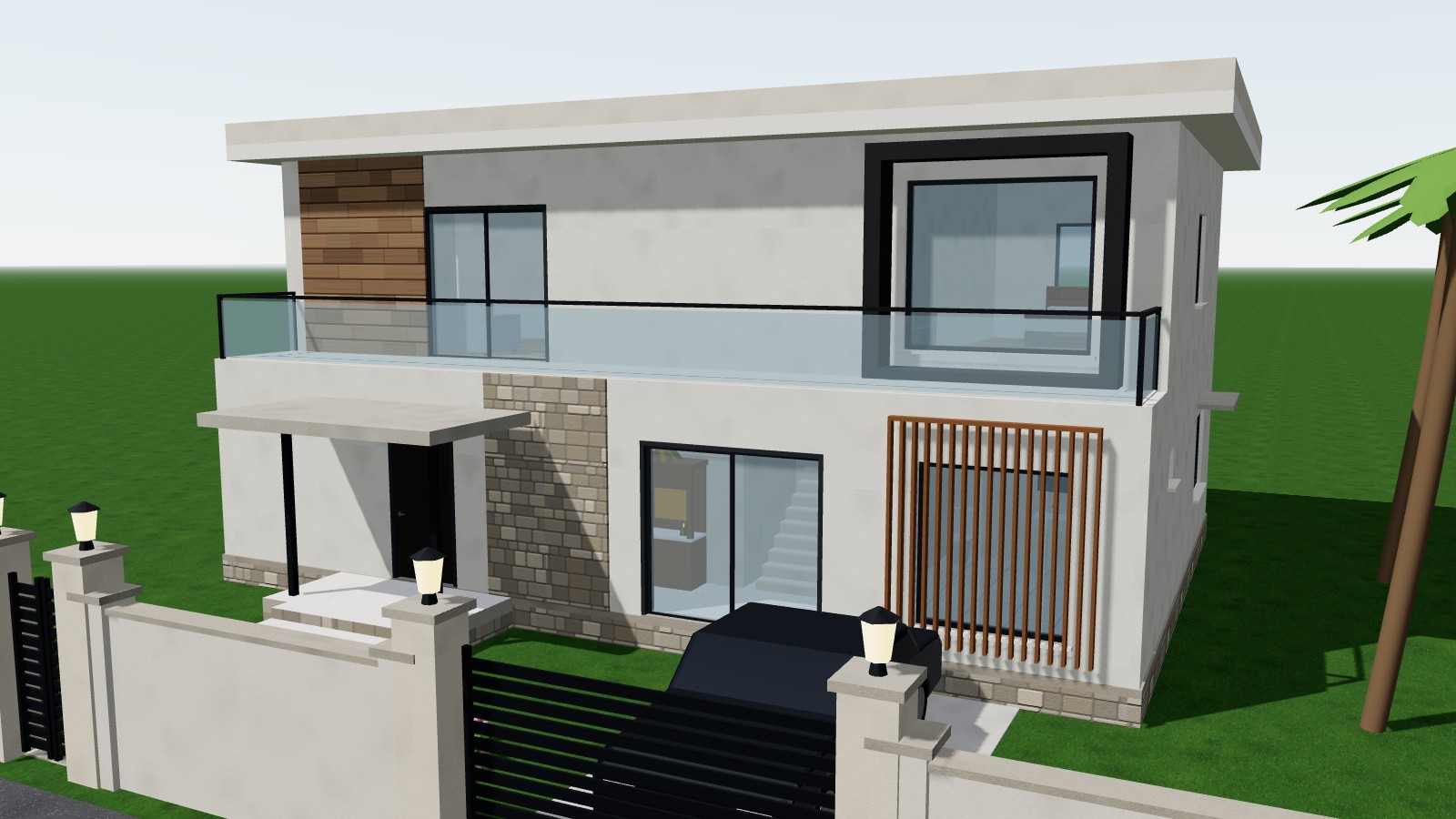
Two-storey Kerala contemporary house in 3D

Start from a ready-made house

Open the app and choose Designs. Every design is fully editable.

Kerala traditional design
Kerala traditional1 storey · 3 BHK · ~154 m² · mukhappu roof, pooja room, open well
Kerala contemporary design
Kerala contemporary2 storeys · 3 BHK · ~230 m² · gable porch, balcony, carport
Modern villa design
Modern villa2 storeys · 3 BHK · ~250 m² · glass balcony, louvers, pool
Colonial two-storey design
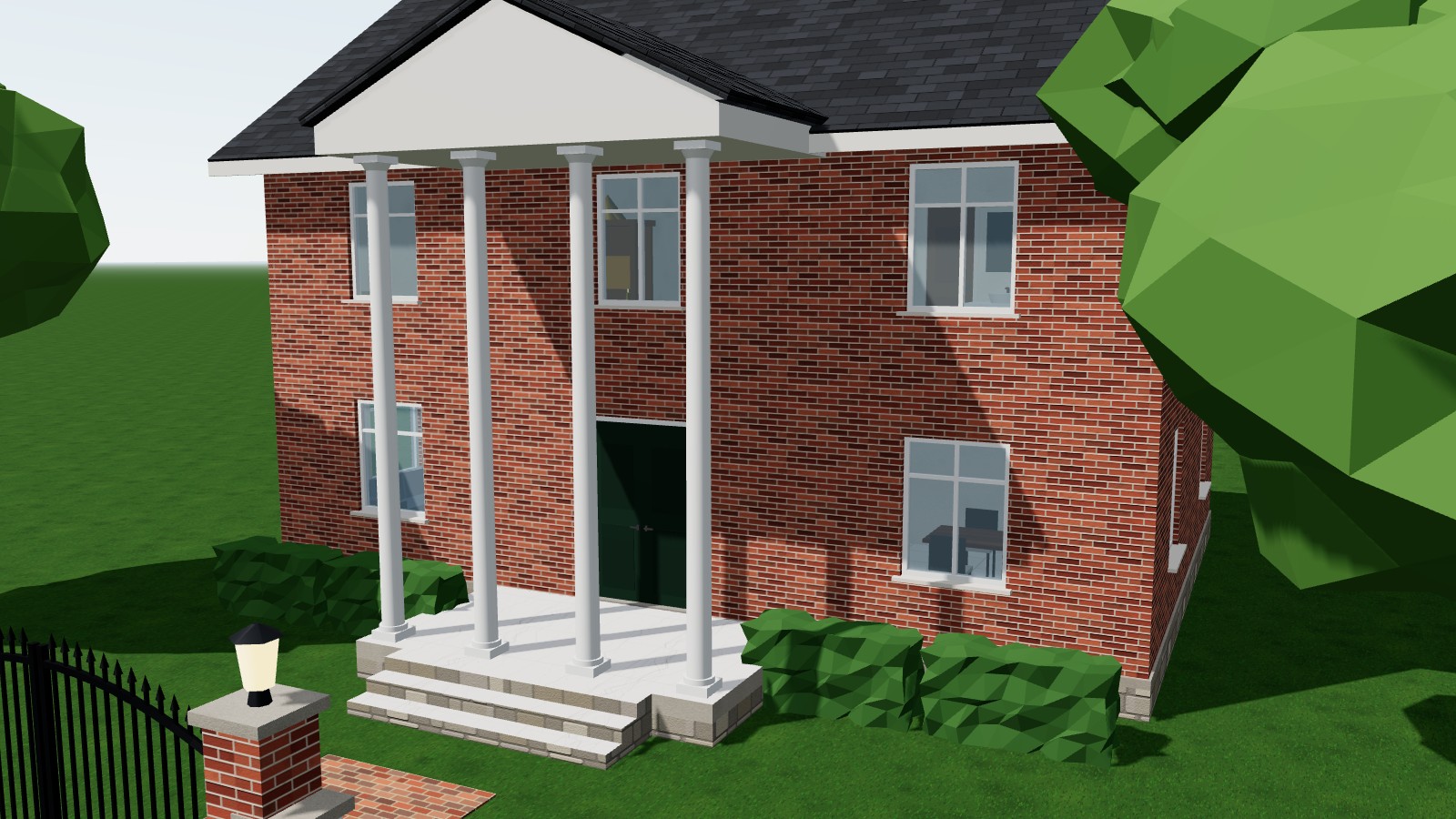
Colonial two-storey2 storeys · 3 BHK · ~216 m² · classical portico, brick facade

Made for both sides of the table

Home owners

Plan the house you want and show it clearly.

  • Drag-and-drop rooms with furniture
  • See it in 3D and walk inside
  • Try Kerala, modern or colonial styles

Engineers & masons

Get drawings you can price and set out from.

  • Exact, lockable dimensions
  • Setting-out coordinates, arcs and radii
  • Schedules, BOQ and specifications

Questions

Is it free?

Yes. There's no account, no sign-up and no payment. Open the app and start designing.

Where is my project saved?

It autosaves in your own browser on this device. Nothing is uploaded. Use Save to download a .json file you can back up, share, or open on another computer.

Can I build straight from the PDF?

The drawings are a strong starting point for your engineer and mason. The structural notes are typical practice only; a licensed structural engineer must check them before construction.

Which device should I use?

A laptop or desktop with a mouse works best. Use a recent Chrome, Edge, Firefox or Safari, and keep an internet connection for the 3D view and PDF export.

Your house, drawn properly.

Open HomeCraft and have your first room on the plan in under a minute.

Start designing →